
Summarize this blog post with:




Amazon listing optimization was supposed to be the easy win before the sale season.
Picture a home-care brand with a steady bestseller. The team gives its Amazon product listing a full refresh: a 180-character title, seven packed bullet points, every keyword they could find, nine images and an A+ Content section that scrolls for ages. It looks thorough. It feels like progress.
Three weeks later, sessions are up a little. Orders aren’t. Somewhere between the search results and the Buy button, the shopper got lost.
And here’s the twist: That title isn’t just ineffective. Amazon doesn’t allow it anymore.
It’s a scene that plays out more often than most brands admit. The instinct is understandable: if a listing isn’t performing, add more. More words, more keywords, more images. But on Amazon, more content doesn’t automatically mean a better listing. Clarity, relevance and proof do, and Amazon’s own rules now say so.
Below, we break down the new title rule, three common myths about listing content, what’s actually true, and a practical checklist for your next listing refresh.
Why “more” feels like the safe bet
Volume is easy to measure. You can count characters, keywords and image slots, and a fuller listing looks like a finished job in a review meeting.
Shoppers don’t experience a listing that way. Most of them land on mobile, glance at the title and first image, scan a bullet or two, check the rating, and decide in seconds. Amazon’s search algorithm, in turn, rewards listings that are relevant to the search and that shoppers actually click and buy.
So the real question for Amazon SEO isn’t “how much did we add?” It’s “did every element help the right shopper find, understand and choose this product?”
What changed: Amazon’s 75-character title rule
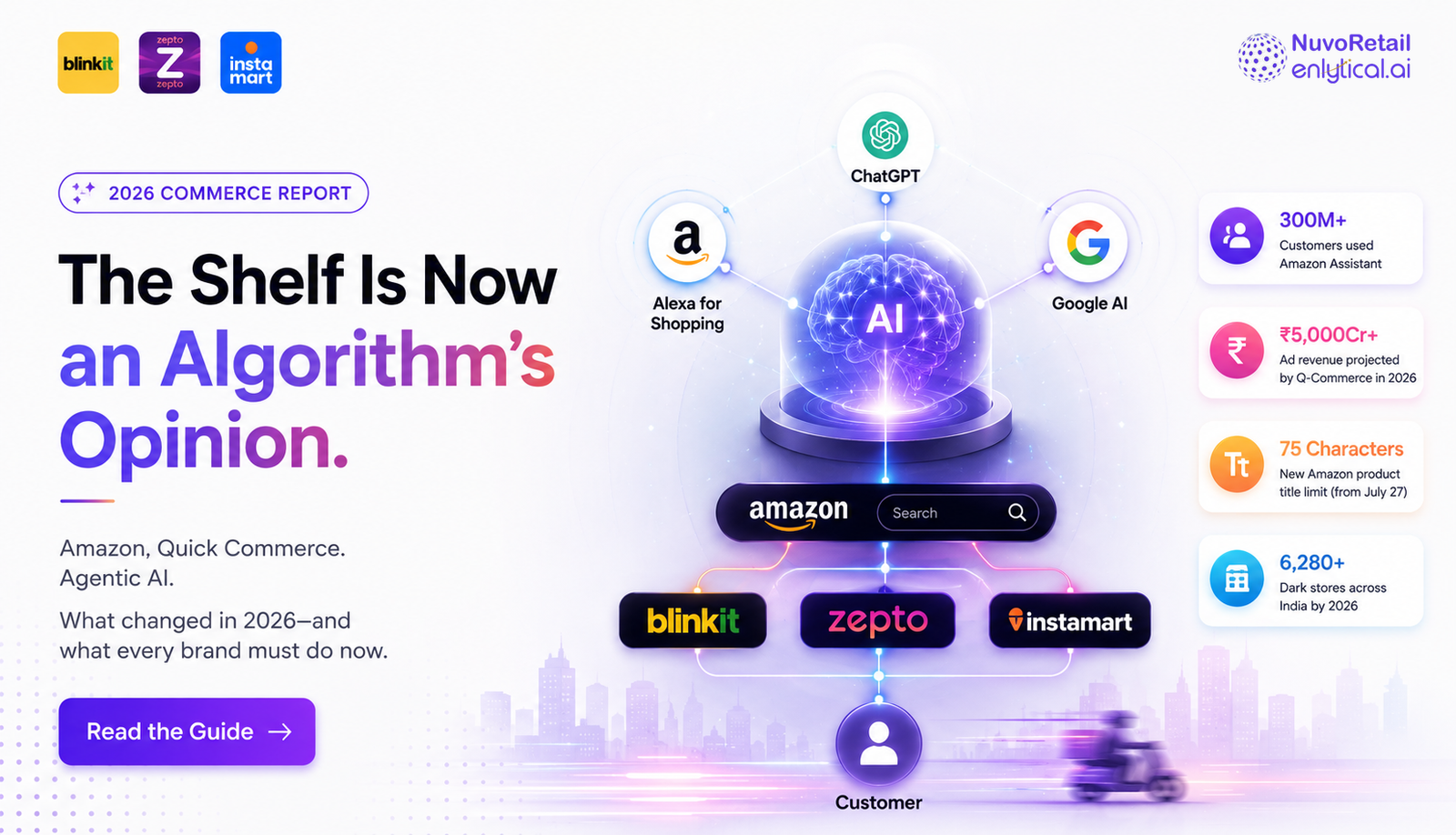
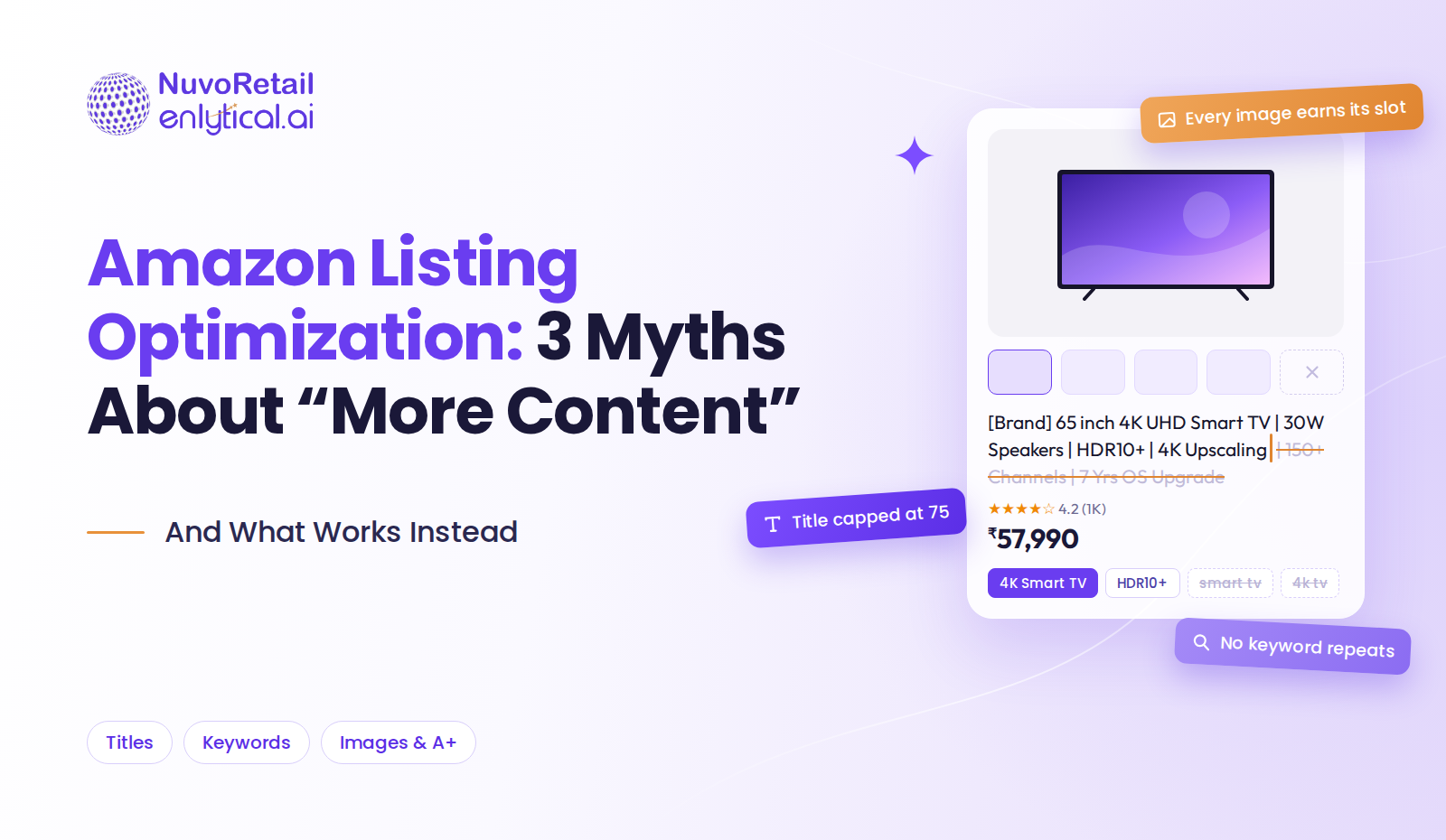
Since July 27, 2026, Amazon product titles in every category except Media must fit within 75 characters, spaces included. The rule applies across most Amazon marketplaces, including amazon.in.
To make up for the shorter title, Amazon added a new field called Item Highlights, with up to 125 more characters for details like materials, use cases and key comparison points. That’s still a 200-character budget for important product information, just split into two fields with two different jobs. Since August 10, Item Highlights show directly below the title on both mobile and desktop.
Three things every brand should know:
- Long titles get rewritten. Amazon listing optimization has gradually replaced titles over 75 characters with AI-generated versions through 2026. Brand owners get 14 days to review, edit or approve the suggestion before it goes live, and the listing stays active throughout.
- Item Highlights only show with a compliant title. They generally appear only once the title is under 75 characters, so shorten the title first.
- Both fields are searchable. Item Highlights are indexed for search, but keep your most important keyword in the title, where it’s seen first.
If you’d rather decide what your title says than let Amazon’s AI decide for you, now is the time to review your catalogue and deploy Amazon Listing Optimization.
Myth 1: A longer listing ranks and converts better
Fact: relevance and clarity win, not length.
Amazon has now settled this one for titles. Even before the 75-character limit, long titles got cut off in search results, especially on mobile. If the brand, product type and main benefit weren’t in the first few words, the shopper might never see them. Long, dense bullet points have the same problem: people skim, so the key point gets buried.
Length also works against you when the content repeats itself. Five bullets that say “premium quality” in different ways take up space without answering the shopper’s actual questions.
What to do instead for Amazon Listing Optimization?
- Write titles as brand + product type + key attribute + variant, within 75 characters.
- Move supporting details, like materials, use cases and secondary benefits, into Item Highlights. Don’t just repeat the title there.
- Write bullets benefit first: what the shopper gets, then the spec that proves it.
- Give each bullet one job, and cut any line that doesn’t answer a real buying question.
- Follow your category’s style guide in Seller Central. Promotional claims like “bestseller,” special characters such as ! or $, and repeating a word more than twice are still not allowed.
Myth 2: More keywords mean more visibility
Fact: the right keywords, in the right place, beat every keyword everywhere.
Keyword stuffing is the most common shortcut in Amazon listing optimization, and the new title limit makes it even riskier. A stuffed title is now a title Amazon will rewrite for you. Stuffing also makes listings hard to read, pushes the actual benefit out of view, and wastes space: repeating the same term across fields doesn’t make you more visible for it.
Visibility on Amazon depends on relevance, but ranking holds only when shoppers click and buy. A listing that ranks for a broad term but doesn’t match what the shopper wanted loses the sale, and over time that weak conversion works against you.
What to do instead
- Start with Amazon keyword research: search-term reports, the search bar’s suggestions and the terms competitors rank for.
- Map keywords by role across four fields:
| Field | What goes there |
| Title (75 characters) | Brand, product type and your primary keyword |
| Item Highlights (125 characters) | Important secondary keywords, materials and use cases |
| Bullet points | Benefits, with supporting keywords placed naturally |
| Backend search terms | Synonyms, regional spellings and long-tail variants |
- Don’t repeat words across fields, and keep backend terms within Amazon’s current byte limit for your marketplace.
- Read the title out loud. If it doesn’t sound like something a person would write, rewrite it.
Myth 3: More images and A+ modules always lift conversion
Fact: every visual should answer a shopper question. Extra ones just add scrolling.
Product images and A+ Content are among the strongest conversion levers on a listing. That’s exactly why filling every slot with lifestyle shots or repeating the same claim in five A+ modules is a missed opportunity. On a phone, each extra block pushes reviews and the comparison chart further down.
The best image stacks feel like a short, well-ordered conversation: what it is, how big it is, what’s inside, how to use it, why it’s better, and why to trust it. With a shorter title, your main image now carries even more of the job of telling shoppers what the product is at a glance.
What to do instead
- Plan images against the questions shoppers ask (and the ones in your reviews and Q&A), not against the number of slots.
- Make the main image instantly recognisable at thumbnail size and compliant with Amazon’s image rules.
- Use A+ Content to do what bullets can’t: show the product in use, explain the range, and add a comparison chart that guides shoppers to the right variant.
- Check every image and module on mobile before you publish.
The three myths at a glance
| Myth | Fact | Quick fix |
| A longer listing ranks and converts better | Relevance and clarity win | Keep titles within 75 characters; one job per bullet |
| More keywords mean more visibility | Right keyword, right place | Map keywords to title, Item Highlights, bullets and backend |
| More images and A+ modules lift conversion | Each visual must answer a question | Plan visuals around shopper questions |
What actually leads Amazon listing optimization: a 7-point checklist
Use this before any listing refresh. If a change doesn’t improve at least one of these, it probably isn’t worth adding.
- Instant clarity. Within three seconds on mobile, can a shopper tell what the product is, who it’s for and what makes it different?
- Search relevance. Is the primary keyword in the title, with secondary keywords placed naturally in Item Highlights, bullet points and backend search terms?
- A compliant, readable title. Is it 75 characters or fewer, leading with brand, product type and the key differentiator, with supporting details moved to Item Highlights?
- Benefit-led bullets. Does each bullet answer one real buying question, benefit first?
- Purposeful visuals. Does every image and A+ module answer a distinct shopper question?
- Proof. Are ratings, reviews and any certifications or comparisons easy to find?
- Consistency. Do the title, Item Highlights, images, A+ Content and Brand Store tell the same story in the same brand voice?
Track the outcome, not the effort: watch sessions, unit session percentage (conversion rate) and your ranking for the primary keyword for two to four weeks after each change.
Frequently asked questions
What is Amazon listing optimization?
It’s the process of improving a product listing’s title, Item Highlights, bullet points, images, A+ Content and backend search terms so the product ranks for relevant searches and converts the shoppers who find it.
What is Amazon’s 75-character title limit?
Since July 27, 2026, product titles in all categories except Media can be no more than 75 characters, including spaces. A new Item Highlights field adds up to 125 more characters, and Amazon is gradually replacing longer titles with AI-generated versions through 2026.
What are Item Highlights on Amazon?
Item Highlights is a searchable field of up to 125 characters that appears below the product title. Use it for details that no longer fit in the title, like materials, use cases and key benefits.
Does a longer product description help Amazon SEO?
Not on its own. Amazon’s search algorithm looks at relevance and at how shoppers respond. A clear, well-structured listing with the right keywords usually outperforms a longer one stuffed with terms.
How many keywords should an Amazon product title include? There’s no magic number, but with 75 characters to work with, focus on your primary keyword near the start. Move important secondary terms to Item Highlights and the rest to bullets and backend search terms.
How often should I do Amazon listing optimization?
Review your top listings before each major sale event and whenever search-term data, reviews or competitor listings change. Change one element at a time so you can see what worked.
The takeaway
Back to that home-care brand. The fix wasn’t another round of additions. It was subtraction: a 70-character title that led with what the product does, Item Highlights that carried the details, four bullets that each answered a real question, and an image stack that followed the shopper’s train of thought.
Amazon has now made that kind of discipline the rule, not the exception. Good Amazon listing optimization isn’t about filling every field. It’s about making every word and image earn its place.
Want a second pair of eyes on your listings before Amazon’s AI rewrites them?
Book a listing audit with the NuvoRetail team, and we’ll show you what to keep, what to cut and what to fix first.